Review before cleanup
Review photos, videos, and Fast Cleaning suggestions within the access you grant. Android asks you to confirm media trash or deletion.
Clean photos, videos, and contacts, compress large media, keep private content secure, and turn charging into a focused visual experience.
Download Phone Cleaner for Android 11 and later. Features and purchases may differ from the iPhone and iPad version.
Review photos, videos, and Fast Cleaning suggestions within the access you grant. Android asks you to confirm media trash or deletion.
Save compressed copies, review contacts, and import or export contact backups. Format support depends on your device; keep independent copies of important files.
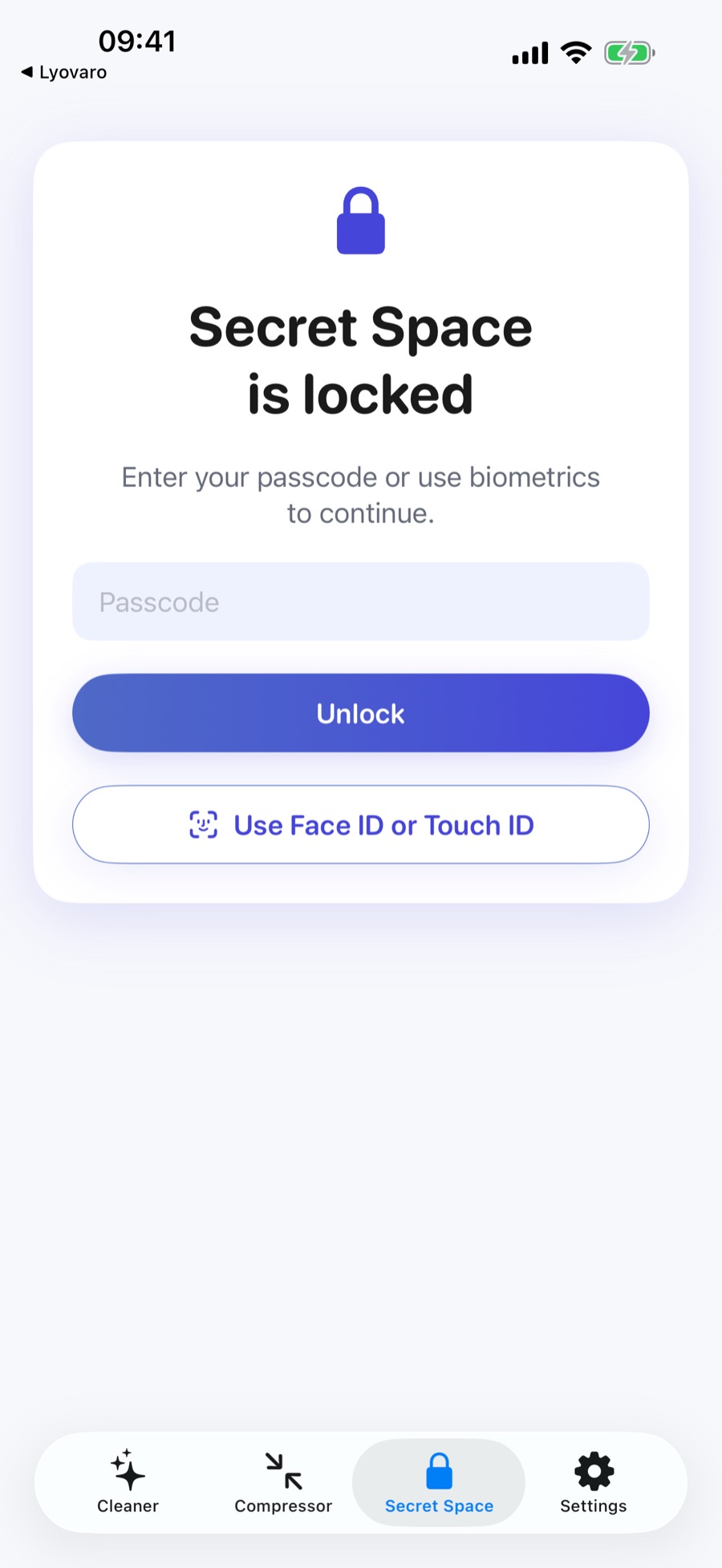
Secret Space protects local copies with a PIN and supported biometrics. Charge Experience shows battery status while open. No app account is required.
Explore the iPhone and iPad toolkit below. Android features may differ based on Android permissions, media storage, and device capabilities.
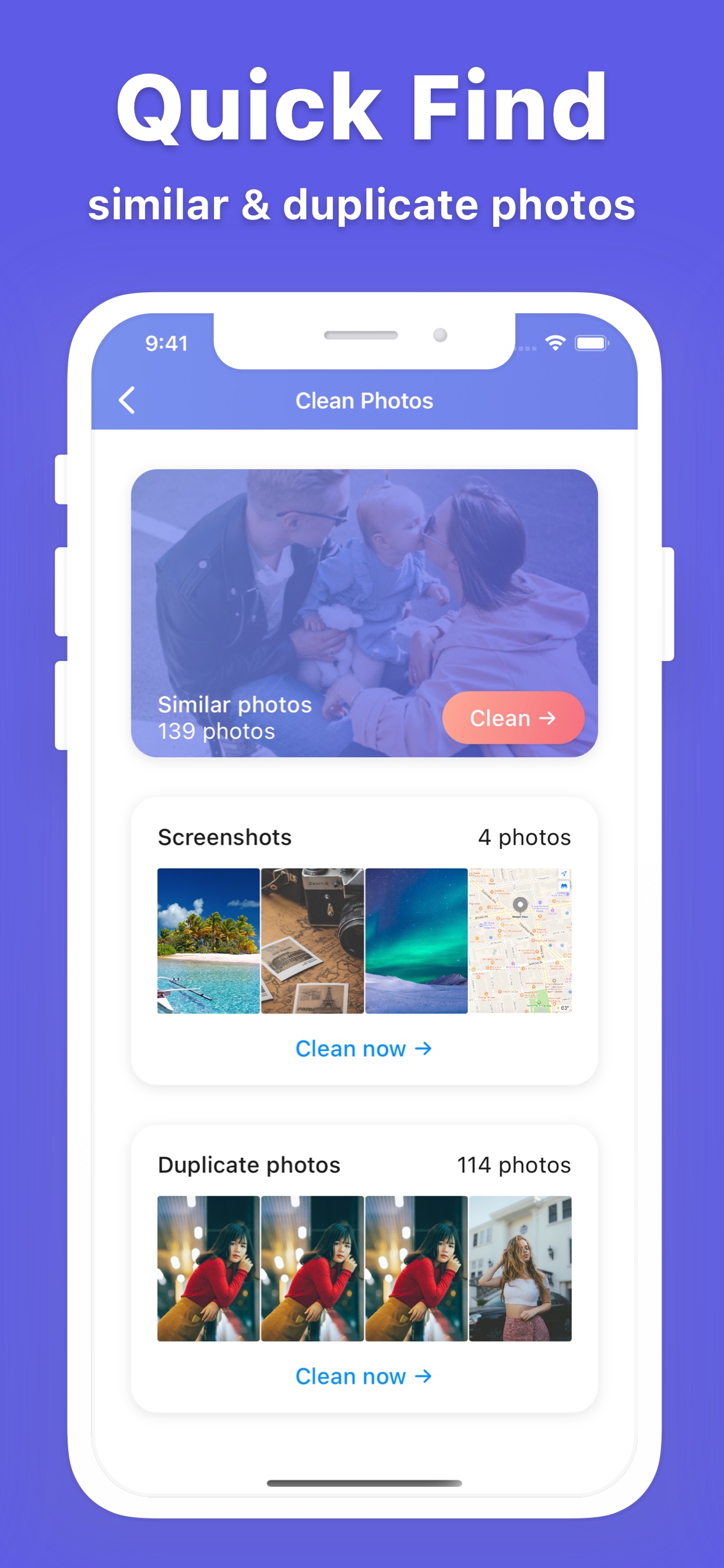
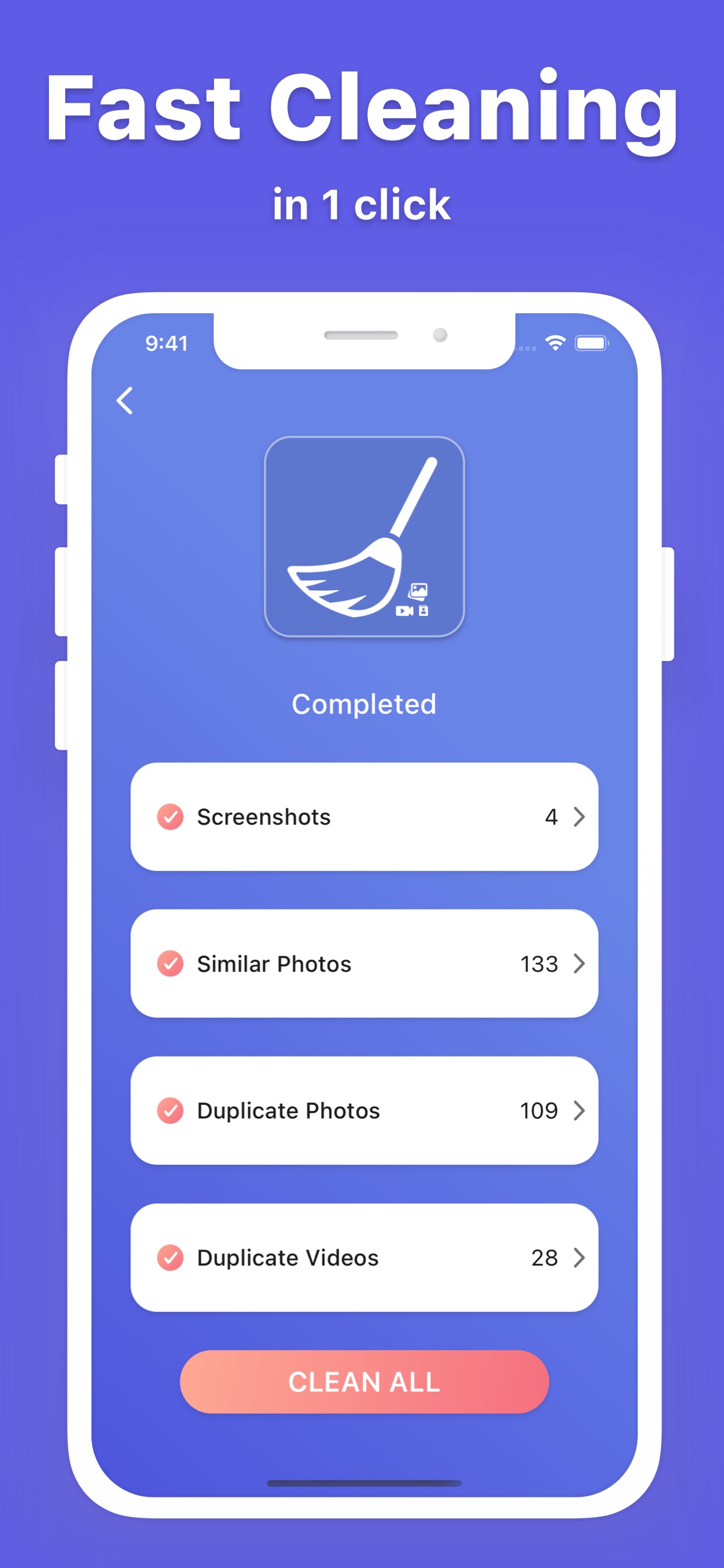
Find screenshots, similar photos, and duplicate images so you can keep the best shots and remove the rest.
Review duplicate videos and sort large videos by size before deciding what to move to Recently Deleted.
Scan common cleanup categories together, review safe suggestions, and choose exactly what to delete.
Compress photos and videos with quality, resize, and preset controls, then save or share the smaller result.
Find duplicate or incomplete contacts, merge records, and create local backups you can restore later.
Keep selected photos, videos, and contacts in a protected local area secured by a passcode or biometrics.
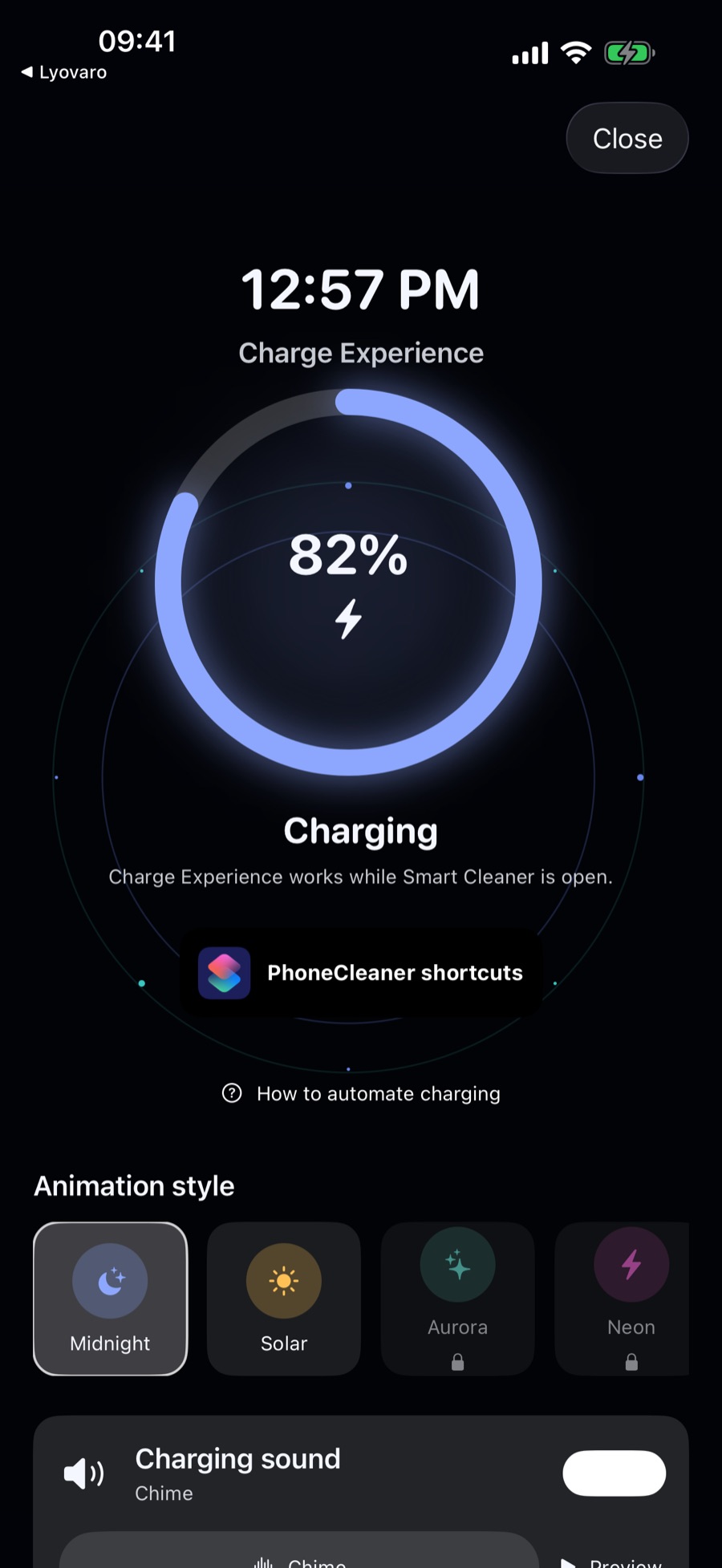
See battery status with animated charging themes, optional sounds and haptics, and a Shortcuts-friendly charging surface.
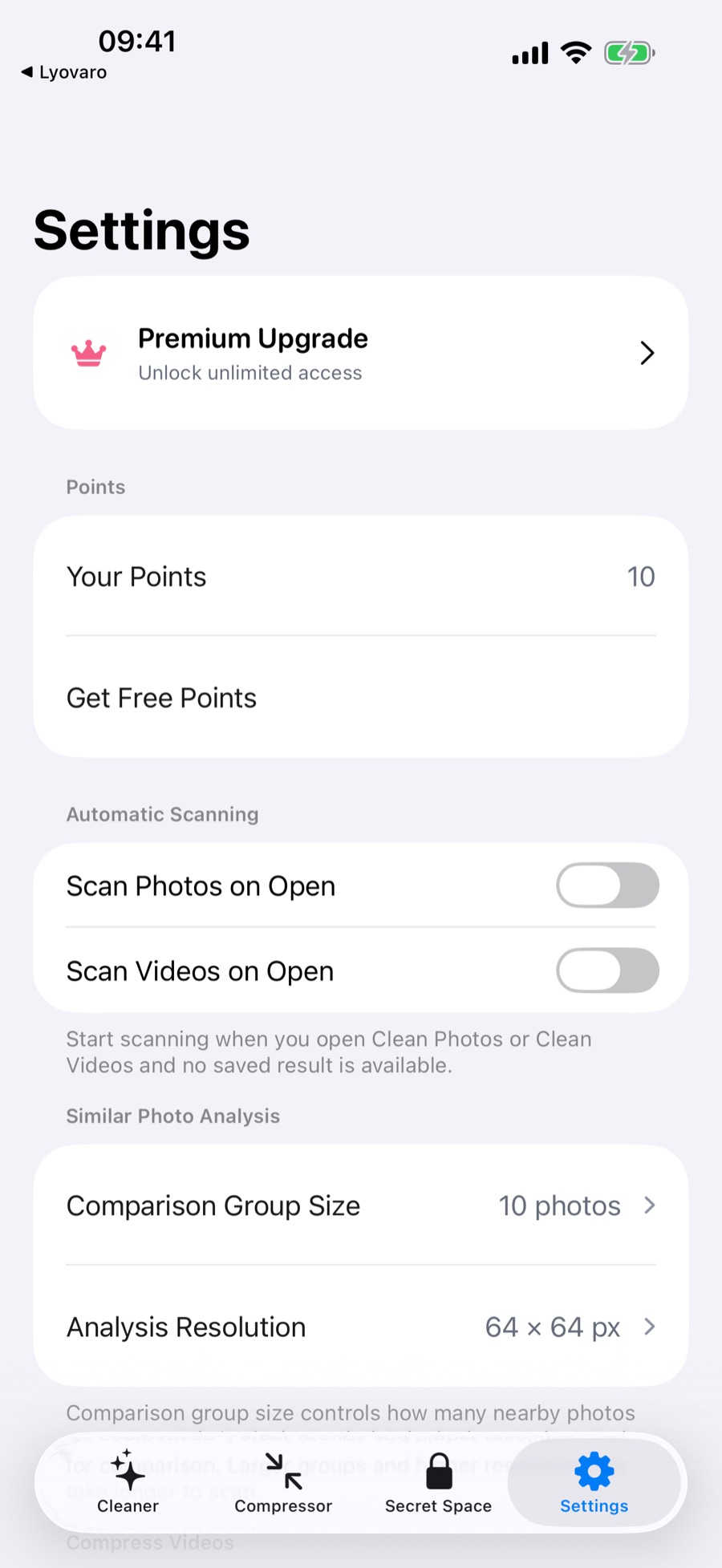
Start with Cleaner, Compressor, Secret Space, Settings, or Charge Experience.
Allow Photos or Contacts access only when you choose a feature that needs it.
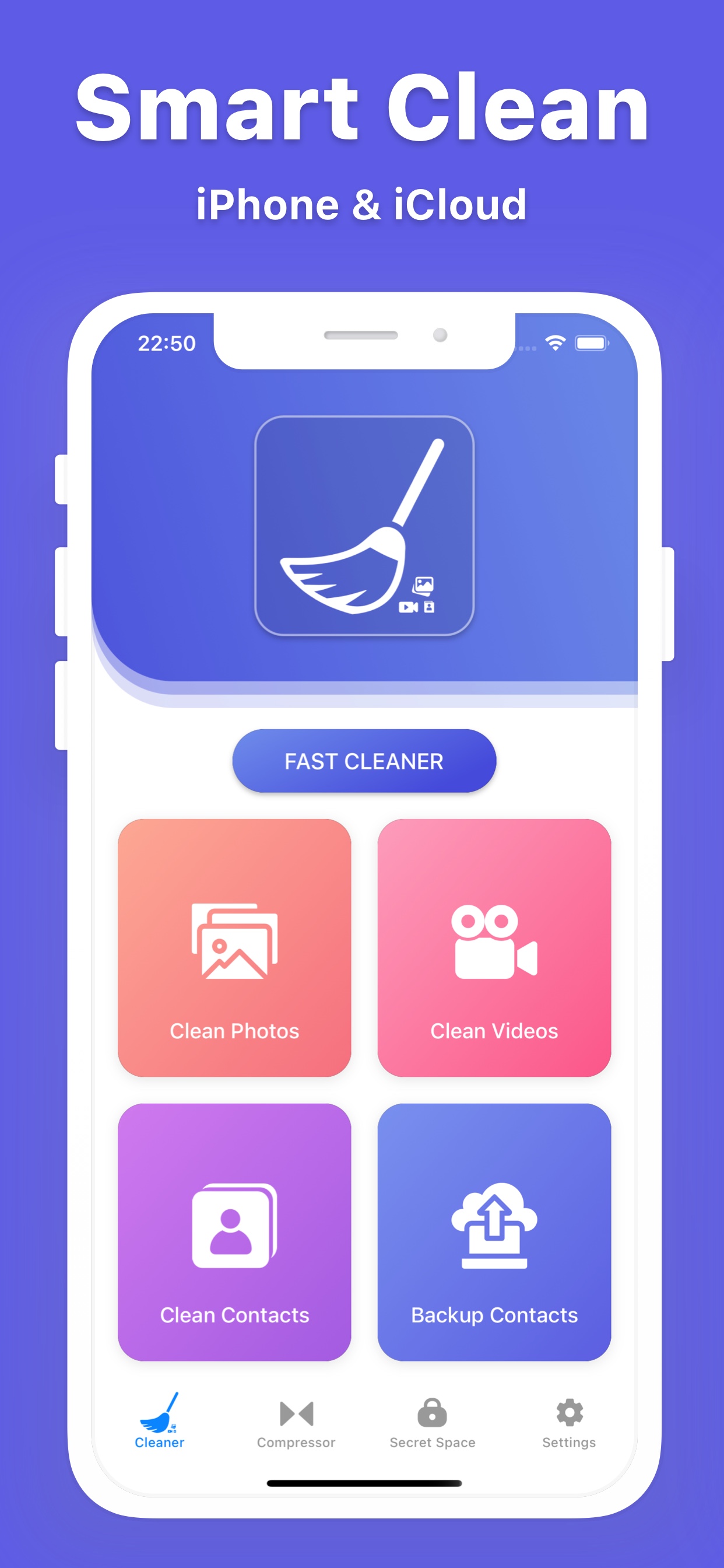
See groups, sizes, duplicates, and contact details before making a change.
Confirm deletes, save compressed media, restore contacts, or tune your charging experience.
Screenshots show the iPhone version. Android screens and feature availability may differ.
Phone Cleaner does not require an account. Your photos, videos, contacts, backups, Secret Space content, and charging preferences are handled on your device; purchase and optional app or advertising services are described separately in our platform-specific privacy policy.
Download Phone Cleaner for iPhone and iPad, then start with the cleanup, compression, privacy, or charging tool that fits today.