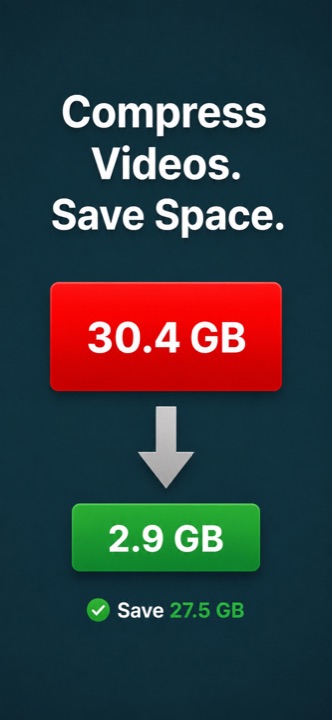
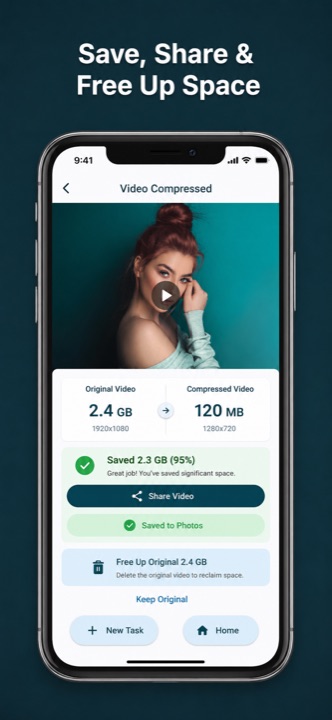
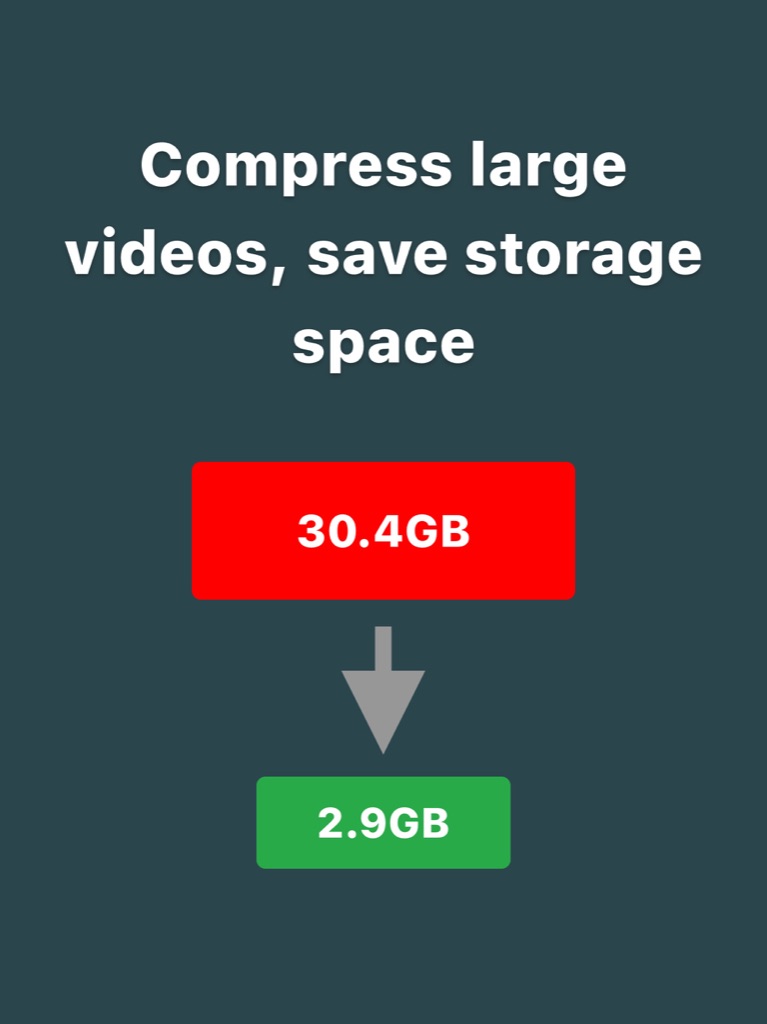
Make large videos easier to store and share. Choose the quality or resolution you need, compress a queue of videos, and clear storage in a few taps.
Video Compressor gives you practical controls for making files smaller without turning the process into a technical chore.
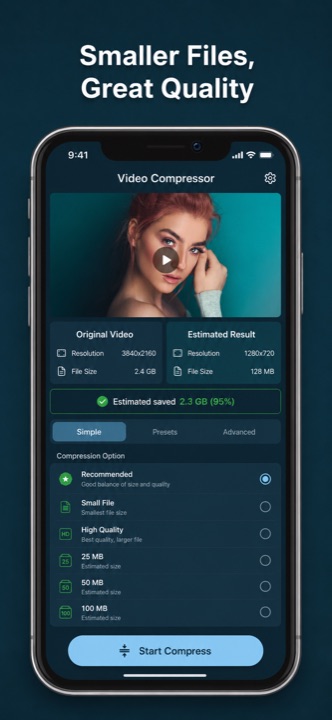
Choose from very low to very high quality settings and find the right balance between detail and file size.
Resize to 2K, FHD, HD, 540p, 480p, 360p, or 240p, or use a custom scale for more control.
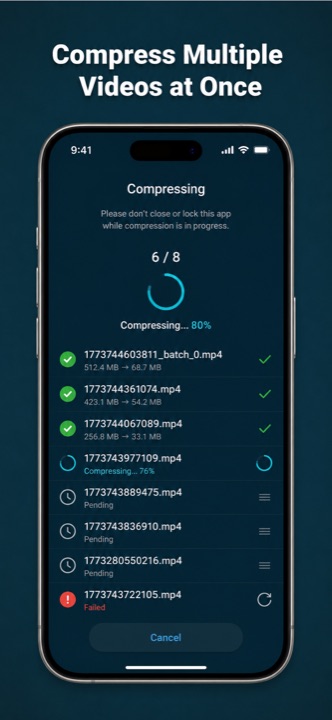
Queue multiple videos with one shared configuration and track each result as it completes.
Compare the original and estimated output size before compression so you know what to expect.
Save compressed videos to your library or send smaller files to messaging and social apps.
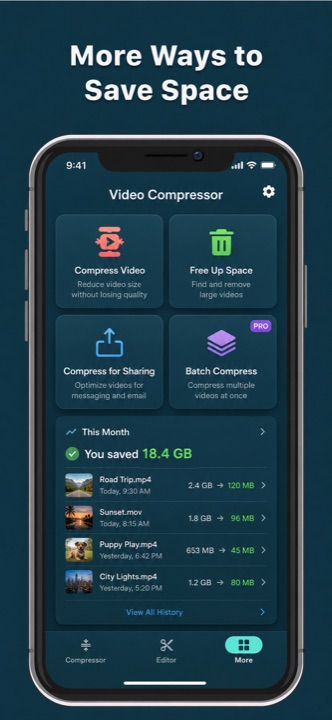
Find large videos, select the ones you no longer need, and remove them faster from your library.

Import one video or select several from your device library.
Choose quality, a resolution preset, or a custom resize level.
Watch progress in real time and cancel a task whenever you need.
Keep the smaller video, share it, or start another compression task.
See the space you can save, tune the output, and manage a batch without losing track of the original files.


Compression is designed around local media processing. The app does not need an account to compress, save, or share your videos.
Download Video Compressor for iPhone and iPad. The Android version is in progress.